December Adventure Day 11
Housekeeping
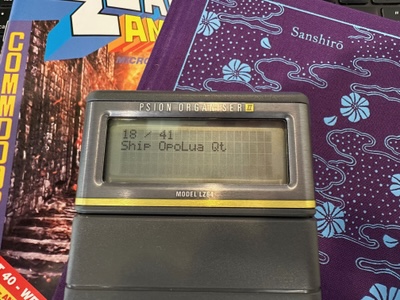
Day 11 of my December Adventure proved another slow one, in spite of the Organiser lucky dip demanding that I yet again return to OpoLua to, ‘ship OpoLua Qt’.
Mac App Store
The day got off to a good start with Apple approving the macOS Catalyst build. This is now available to download from the Mac App Store. 🥳

Discovering OPL programs is easy using the built-in Software Index
OpoLua Qt
Shipping the new Qt version of OpoLua is something I’ve been wanting to do for some months now—it brings a comprehensive suite of command line tools and the OPL runtime to Linux, Windows, and macOS, and it’s about time we get it out there.
I ended up spending the day doing the kind of boring project administration that is pretty thankless in the moment, but makes many things easier going forwards. The primary change was to move the iOS app into its own subdirectory, making the Qt and iOS targets peers in the source code. I also took a moment to update the app icon on the website to use the original EPOC32 OPL icon—this makes things a little less Apple-centric and, over time, I’ll make more changes to make room for the Qt app1.

This early OPL icon now feels far more suitable
With some of the preparatory work for OpoLua Qt in place, I hope day 12 will bring more visible progress: I’d love to have automated Mac, Windows, and Linux builds in the next few days even if, in the first instance, they’re just smoke test builds to ensure we can’t break things.
-
Freed from the restrictions of iOS and mobile application UX, the Qt version of OpoLua works quite differently to the iOS app, eschewing the centralised program library. This means we’ll have to provide distinct documentation, screenshots, and support sections on the website. ↩